Job scheduling
Job scheduling for your team, the week on the phone.
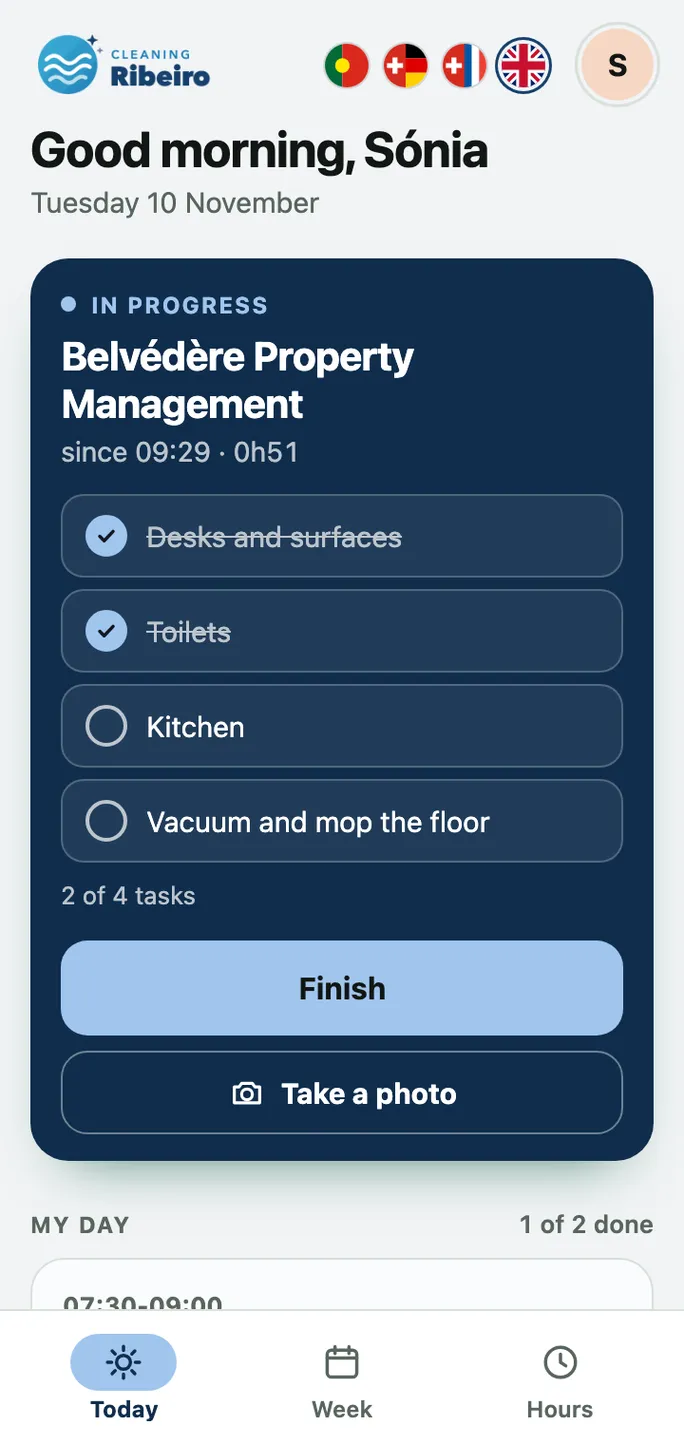
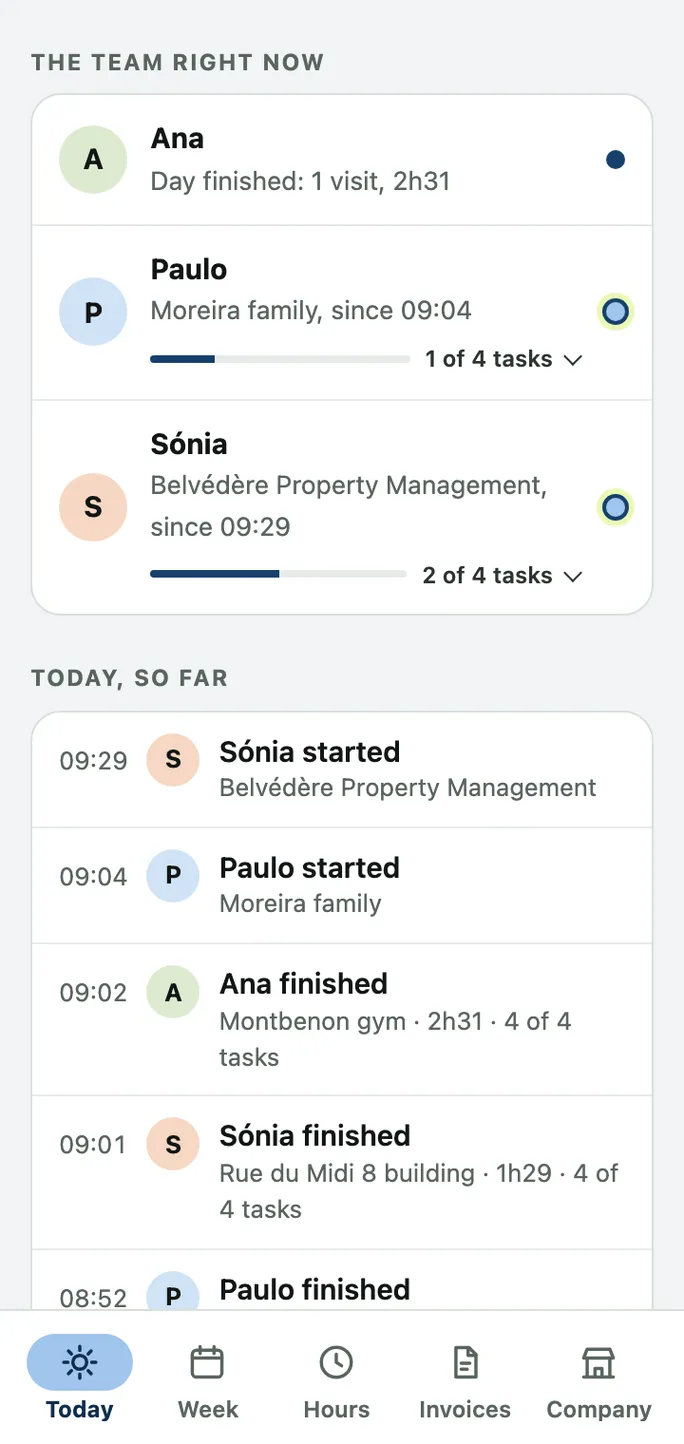
Your clients’ regular jobs appear by themselves every week. You add what is asked for on top, and each person sees on their own phone when and where they work, with the address, the key and the tasks.
First version in 48 hours, free to try.
 Hugo Marinho, from Portugal. I reply the same day.
What the scheduling does
In the base app, for cleaning businesses, painters and any team that works at clients’ places.
Regular jobs, by themselves
A client every Tuesday at 8? The job appears in the plan every week, without entering it again.
Extra jobs
What a client asks for on top, and new clients for a single day, you add in a few clicks.
Week, month and day
On the computer, the week as a grid; on the phone, each person’s week, month and day.
Each person sees their plan
The team sees its days and times, with the address, notes and tasks, but never your prices.
And if the app planned the week itself
Two extras go further: Alerts in the plan (CHF 750, once) flags what does not add up, such as two jobs at the same time or too little time to travel. Automatic planning (CHF 1’500, once, the alerts included) plans the week by itself and shares out the jobs again when someone is off. All the extras and prices.
What it looks like in the app
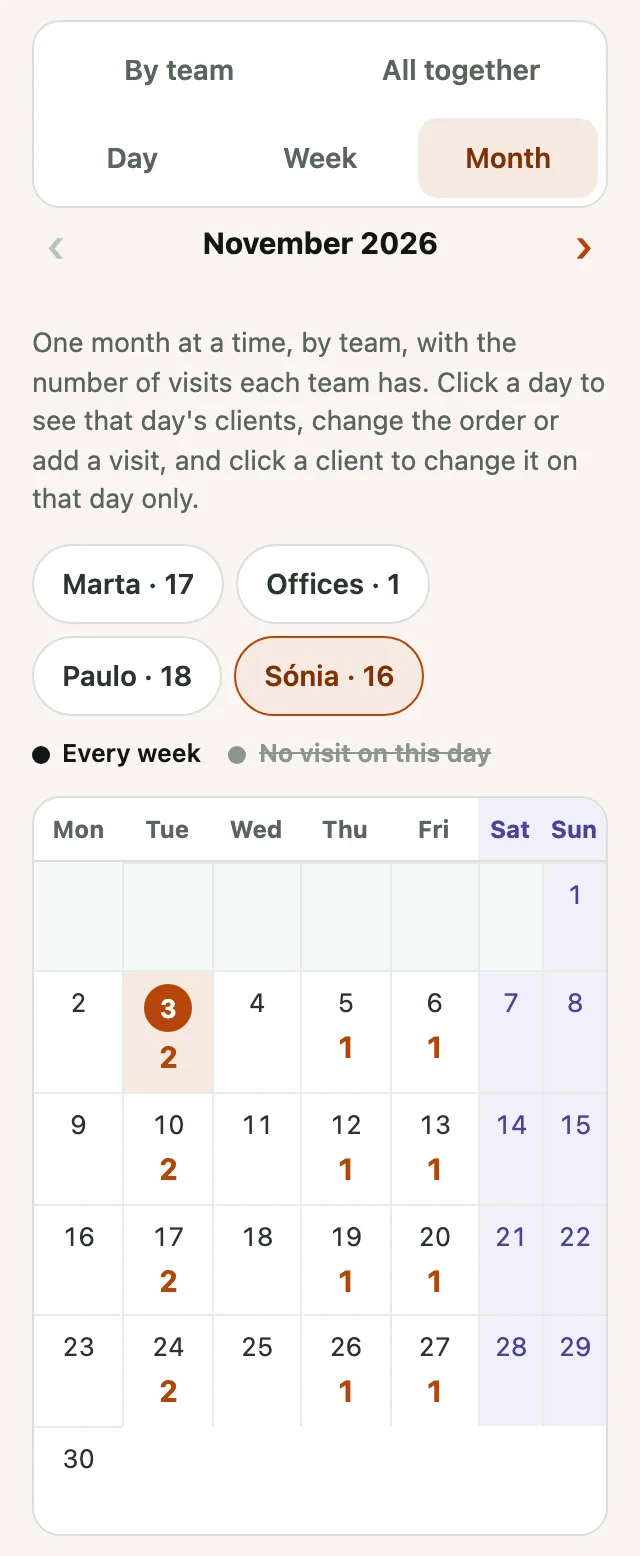
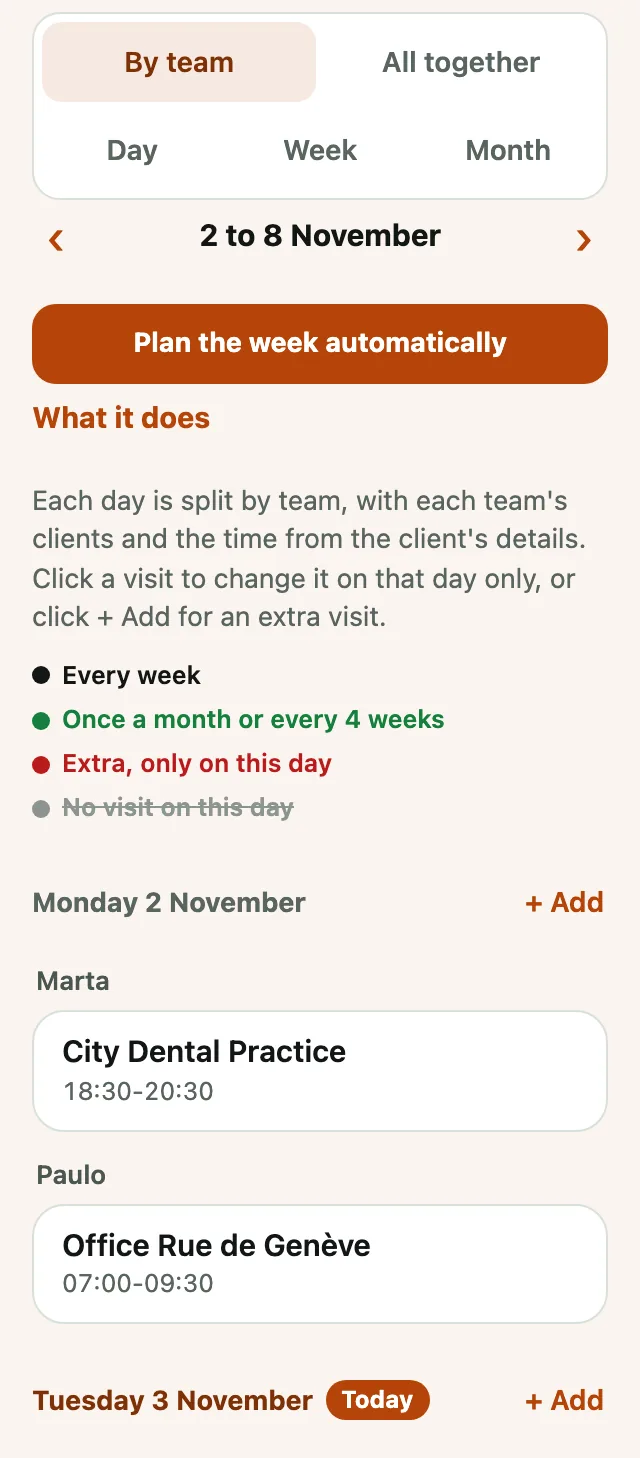
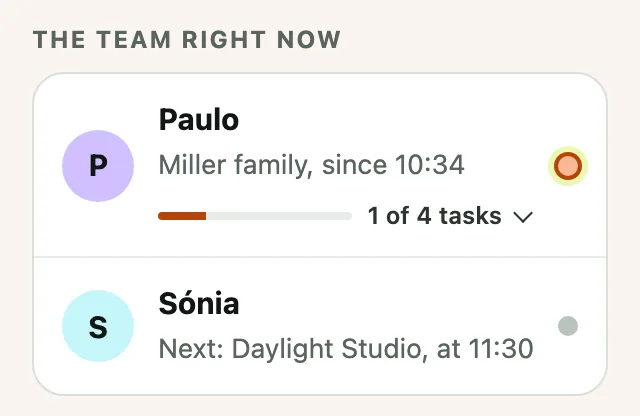
In the pictures, the company, the team and the clients are made up. It is the real app. Try the app, no sign-up · The full guide for owners
How it works
First you try it, then you decide
- We write to each other
On WhatsApp or by email, whenever suits you. I ask you 5 questions about how you work today.
- In 48 hours you have your app
With your company’s name, your team and your clients. 14 days to use it day to day, free and with no commitment.
- If you like it, you carry on
With the same app, losing nothing. I adjust it to the way you work and help the team get started.
Price
14 days free, then a fixed price
No minimum term: you cancel with one month’s notice and take your data with you as Excel.
- Up to 10 peopleCHF 2’500
- 11 to 30 peopleCHF 4’000
- Up to 10 peopleCHF 199 a month
- 11 to 30 peopleCHF 349 a month
Questions
Does the scheduling cost extra?
No, the week plan is in the base app. Only the alerts in the plan and automatic planning are extras.
Does the team see changes?
Yes, each person always sees their up-to-date plan on their phone. A notification on the phone when today’s or tomorrow’s plan changes is part of the extra «Notifications on the phone and by email» (CHF 280, once).
Can I plan on the computer?
Yes. On the computer the app uses the full width: the week as a grid, the hours as a table and the invoices side by side.
And the hours?
Whoever starts and finishes a job logs their hours at the same time. How the time tracking works.
Show me how you work. I’ll show you your app.
Write to me on WhatsApp or by email. In 48 hours you have the first version, to try without paying anything.